How to Budget IT for a New Office in Goa
From workstations and network security to the costs most first-time buyers miss, here’s how to plan for technology before you sign the lease.
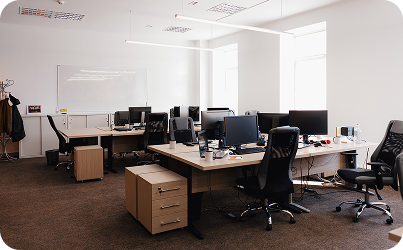
Most offices get budgeted room by room — desks, chairs, coffee machine — and IT gets whatever is left.
That usually means the numbers stop working because the IT bill isn’t one line. It’s four, and three of them often appear once you’re already committed to the space.
The better approach is to plan your IT budget before the office is fitted out. Not as a quote — as a way to understand what you will actually need to spend.
Start with the floor plan, not the headcount
Headcount tells you how many laptops you may need. The floor plan tells you almost everything else.
How much cabling will be required? How many access points will you need? Where will the network rack go? Is there a server room or equipment area? How far will the network have to travel?
Two offices with twenty people can have very different IT costs simply because of the building.
Before anything else, get a copy of the layout and mark three things:
- Where the internet line enters. That is where your network starts, and moving it later can be expensive.
- Which walls are solid. Concrete, laterite and metal partitions can affect Wi-Fi coverage and may require additional access points or cabling.
- Where people will actually work. Network points should follow the workspace — not just where it is easiest to run a cable.
Structured cabling is one of the items people tend to postpone because it is not immediately visible. But once the office is finished, installing it becomes harder, more disruptive and potentially more expensive.
If the budget is tight, plan the infrastructure first.
1. Endpoints
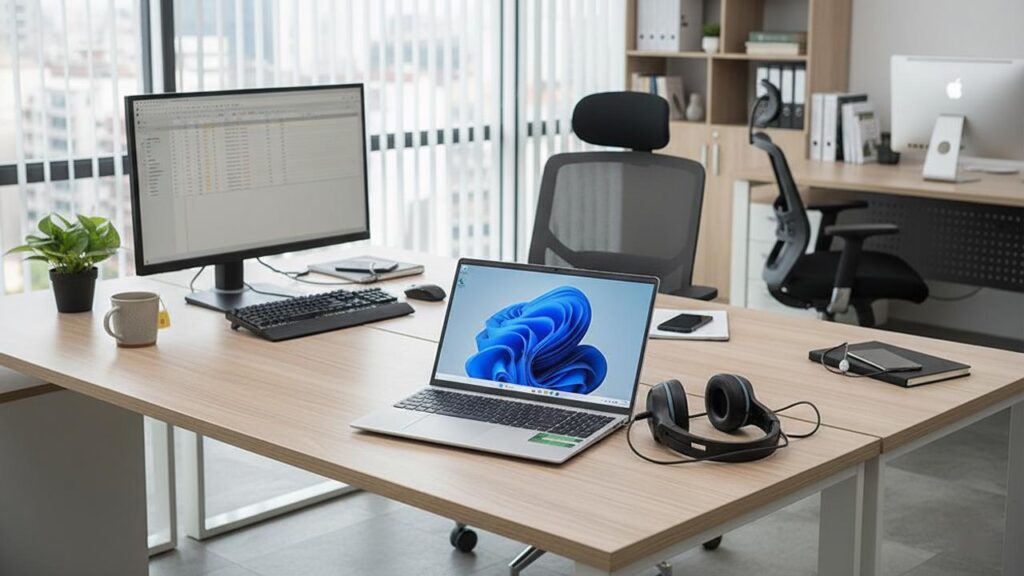
Laptops, desktops, monitors, docks and other user equipment are the most visible part of the budget — and usually the easiest to estimate.
The important question is not simply “How many people do we have?”
It is “What does each person actually need?”
A sales employee, designer, accountant and technical employee may all need different specifications. Buying the same machine for everyone can either leave some users under-equipped or have you spending unnecessarily on hardware they don’t need.
Also account for the less obvious items — docking stations, monitors, keyboards, mice, webcams, UPS units and accessories.
2. Infrastructure
This is the part that often disappears from the initial budget.
Think about:
- Structured cabling
- Network switches
- Wi-Fi access points
- Router or firewall
- Network rack
- Patch panels
- Power protection
- UPS
- Installation and configuration
None of this is particularly exciting when you’re planning the office.
Until something fails.
Then the network rack, power protection or backup connectivity suddenly becomes the most important equipment in the room.
3. Security
Security should not be something added after the office is already operational.
Your initial plan may need to include:
- Firewall
- Endpoint protection
- Secure Wi-Fi
- CCTV
- Access control
- Backup
- User and device security
The exact requirements depend on your business, the information you handle and how your systems are connected.
A small office does not necessarily need an expensive security stack. It does need the right basic controls in place from the beginning.
4. Licensing and ongoing costs
This is the budget category people most often forget because it isn’t a one-time purchase.
Think about:
- Microsoft 365 or Google Workspace
- Antivirus or endpoint protection renewals
- Cloud services
- Software subscriptions
- Domain and hosting costs
- AMC or managed IT support
- Warranty extensions where appropriate
The initial IT setup is a capital expense. These costs continue every year.
The cheapest quote and the lowest cost of ownership are almost never the same document.

What people forget
In rough order of how often they get missed, these are worth putting on the list:
- Power protection — a UPS for the rack, not just the server.
- Spare equipment — even one spare laptop can reduce downtime when someone’s machine fails.
- Installation time — hardware arrives in a box, but someone still has to deploy it.
- Year-two costs — renewals, warranties, AMC and subscriptions need to be budgeted from the beginning.
These aren’t unnecessary extras. They are part of the cost of keeping the office operational.
A sensible sequence
If you’re starting from zero, plan the IT budget in this order:
Floor plan → Cabling & network → Power → Endpoints → Security → Software & licensing → Ongoing support
That order helps you think about the infrastructure before buying the equipment that sits on top of it.
It also makes it easier to compare quotations properly. A quote that looks cheaper may simply be leaving out items that will appear later.
Not sure where to start?
That’s normal.
A new office involves dozens of decisions, and IT is only one part of the move. The important thing is to understand what you need before committing to equipment, cabling or subscriptions.
A good IT budget isn’t about spending more. It’s about knowing what needs to be there before the office opens.
If you’re setting up a new office in Goa, start with the floor plan and your requirements. The right technology budget usually becomes much clearer from there.